Creating a home office that is both cozy and functional can transform the way you work. Whether you are starting a full-time remote position or need a dedicated area for occasional tasks, having a well-designed workspace will improve focus and comfort. In this guide, we’ll explore easy, actionable tips to help you set up a home office that meets your needs and feels inviting.
Choose the Right Location
Finding the perfect spot for your home office is the first step. Consider these factors:
– Natural Light: Place your desk near a window if possible. Natural light helps reduce eye strain and elevates mood.
– Quiet Environment: Select a space away from household noise and distractions.
– Space Availability: Assess how much room you have for your desk, chair, and storage. Even a small corner can work with smart planning.
Invest in Comfortable Furniture
Comfort is crucial since you’ll spend long hours in your chair. Focus on:
– Ergonomic Chair: Choose a chair that supports your back and allows adjustments for height and tilt.
– Desk Height: Your desk should allow your forearms to rest comfortably parallel to the floor when typing.
– Flexible Furniture: Consider desks with adjustable heights or options that can double as standing desks.
Organize Efficiently
Keeping your workspace tidy reduces stress and boosts productivity. Follow these organization tips:
– Storage Solutions: Use shelves, filing cabinets, or baskets to keep documents and supplies orderly.
– Cable Management: Use clips, boxes, or tie wraps to keep cords neat and out of sight.
– Minimal Clutter: Keep only essential items on your desk to avoid distractions.
Personalize Your Space
Adding personal touches makes your office more inviting:
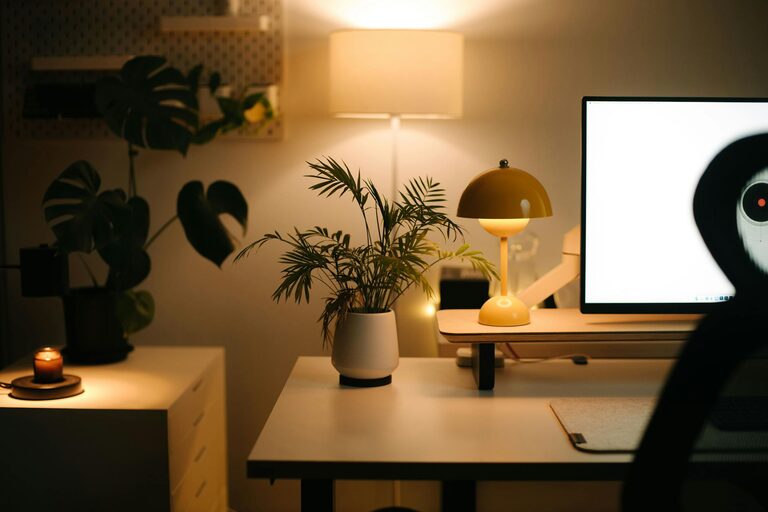
– Decorative Elements: Artwork, plants, or framed photos add warmth.
– Color Choice: Choose calming or inspiring colors for walls or accessories to suit your preference.
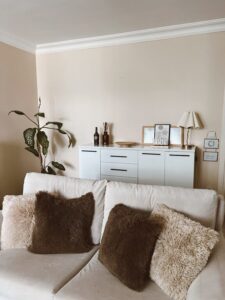
– Soft Textiles: A cozy rug or comfortable cushions can create a welcoming atmosphere.
Optimize Lighting
Proper lighting is essential to reduce fatigue and increase productivity.
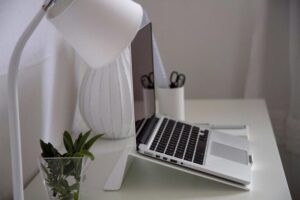
– Task Lighting: Use desk lamps with adjustable brightness and direction.
– Avoid Glare: Position screens perpendicular to windows to prevent reflections.
– Warm Light: Opt for bulbs with warmer tones for a relaxed feel, balancing with bright daylight bulbs during working hours.
Incorporate Technology Thoughtfully
Technology is key but can also cause clutter.
– Essential Devices: Only include technology you use daily to avoid overwhelm.
– Wireless Options: Wireless keyboards, mice, and printers reduce cable clutter.
– Monitor Positioning: Position your monitor so the top edge is at or just below eye level for better posture.
Maintain a Work-Life Balance
Creating boundaries helps keep your work time distinct from personal time.
– Designate Office Hours: Set specific times to start and finish your workday.
– Separate Workspace: If possible, keep your office distinct from leisure areas.
– Break Space: Have a small area nearby for breaks to rest your eyes and stretch.
Keep it Flexible
Your needs may change over time. Designing your workspace to be adaptable is a smart move.
– Modular Furniture: Pieces that can be rearranged or expanded work well.
– Multi-purpose Space: Your office can also serve as a reading nook, craft corner, or study area.
– Adjustable Storage: Use storage solutions that can grow or shrink with your supplies.
—
Final Thoughts
A cozy and functional home office is within your reach, even in limited space. Prioritize comfort, organization, and lighting while adding personal touches to make your workspace enjoyable and efficient. With these tips, you’ll create an environment that not only supports productivity but also feels like a pleasant part of your home. Happy working!